Everything included
Powerful features for every part of your business
From online bookings to real-time analytics, Tilia covers every part of recreation management in one platform.

Bike rentals
Fleet management with availability tracking, online reservations, dynamic pricing, and maintenance scheduling. Your entire rental operation in one view.

Golf management
Tee time bookings, course management, member portals, and pro-shop integration, all connected in one system.

Fun and entertainment
Ticketing, capacity management, attraction scheduling, and group bookings for theme parks, bowling alleys, escape rooms, and more.

Retail and point of sale
Sell merchandise, snacks, and gear with an integrated POS. Inventory management, barcode scanning, and real-time sales data included.

Analytics and reporting
Live dashboards, revenue tracking, occupancy insights, and forecasting. Decide based on real numbers instead of guesswork.

Staff and operations
Employee scheduling, task management, role-based access, and operational workflows that keep your team on the same page.
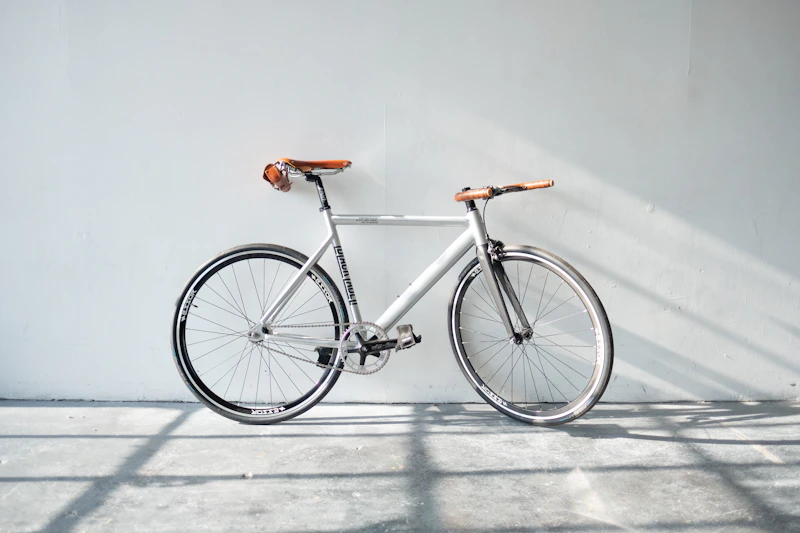
Bike rentals
Fleet management with availability tracking, online reservations, dynamic pricing, and maintenance scheduling. Your entire rental operation in one view.

Golf management
Tee time bookings, course management, member portals, and pro-shop integration, all connected in one system.

Fun and entertainment
Ticketing, capacity management, attraction scheduling, and group bookings for theme parks, bowling alleys, escape rooms, and more.

Retail and point of sale
Sell merchandise, snacks, and gear with an integrated POS. Inventory management, barcode scanning, and real-time sales data included.
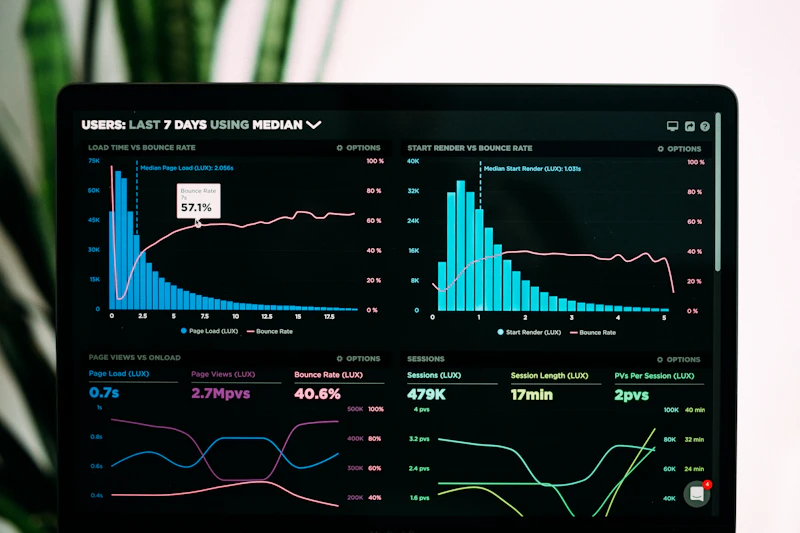
Analytics and reporting
Live dashboards, revenue tracking, occupancy insights, and forecasting. Decide based on real numbers instead of guesswork.

Staff and operations
Employee scheduling, task management, role-based access, and operational workflows that keep your team on the same page.

Deposits & payments
Configurable deposits, online and in-store payments, automatic refunds, and VAT-correct invoicing, all handled for you.

Webshops & online booking
Launch a branded, multilingual booking webshop per location, synced live with your availability.
Ready to simplify your recreation business?
Hundreds of businesses use Tilia to simplify their day-to-day and give guests a better experience.
- Free personalised demo
- No commitment required
- See results within 30 days
- Dedicated onboarding support
Request a demo
Leave your details and we'll get back to you within one working day.